
3ds Max UI theme
Last Updated on 30/03/2026

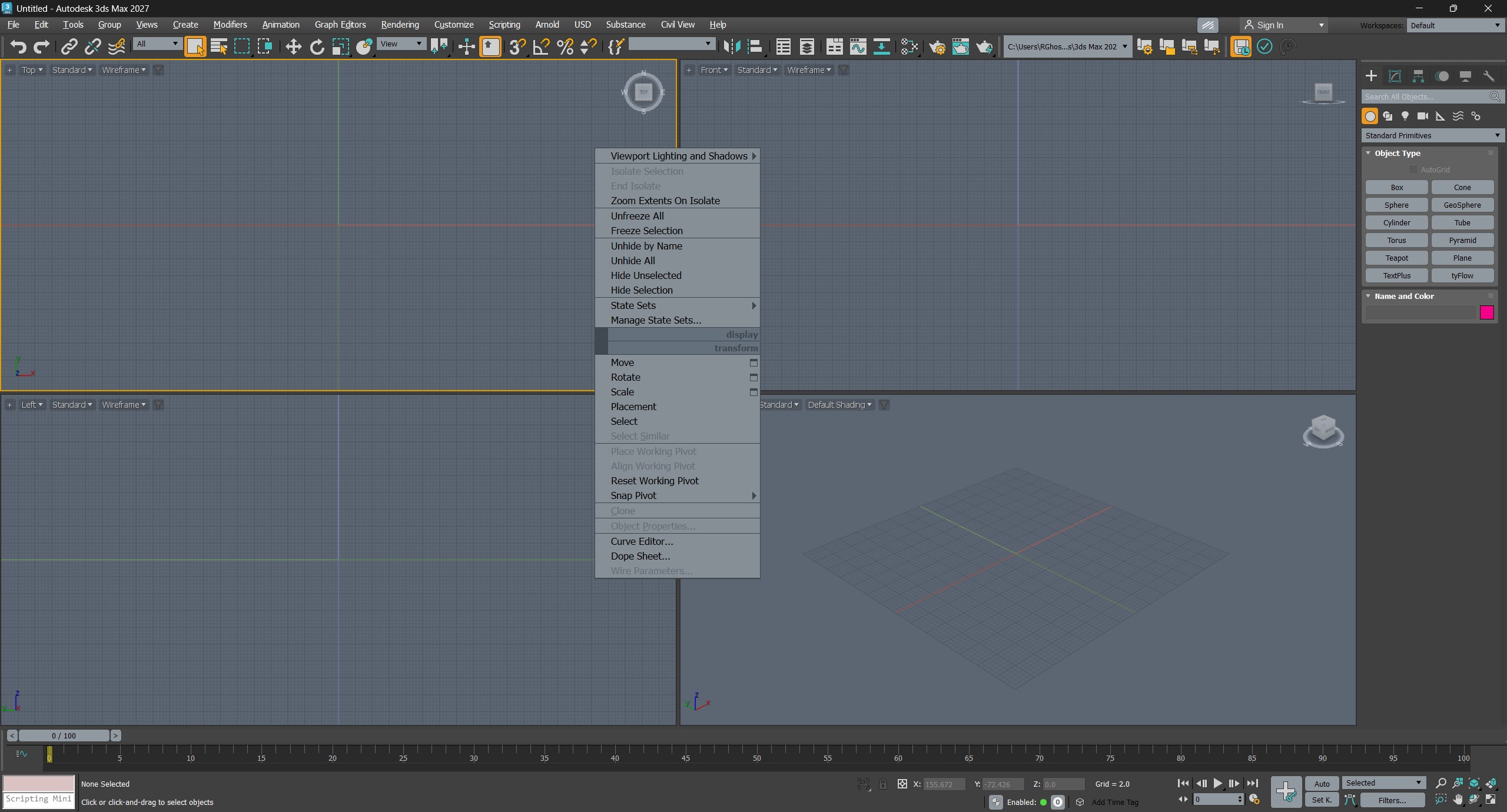
I have long adjusted the 3ds Max UI theme which I use every day in working with the program. It is based on the colors of the Modo interface.
Recently peoples asked me to share this theme that I use when I post screenshots or video recorded in 3ds Max. I did not think that anyone except me would also be of interest this scheme otherwise I would have publish it out before. But better late than never 🙂.
If you like this 3ds Max theme you can download it from the link below.
Installation:
- Customize -> Customize User Interface -> Colors -> Load -> .clrx
- Customize -> Customize User Interface -> Quads -> Advanced Options -> Load -> .qop
Related


Thank you! 3DS Max 2027, how do you load the .qop file? the quad menu isn’t in Customize location anymore.
https://veda3d.com/wp-content/uploads/2026/07/2026-07-06_17-41-31.png
Hello! Use “Advanced Options”.
THANK YOU!
Thanks!
Updated for 3ds Max 2027.
Wherer can I get Ultra Dark Theme for 3ds Max 2024?
Thank you so much. The original theme is very shitty and I was going to change the theme myself but just thought to look in web. This is the best them for all the programs I ever worked. Even I’d pay for this theme. Thanks so much.
It becomes a pleasure to open my 3ds. Great work.
Is it working properly for 3ds max 2020 ?
Yes, it works well with 2020 and 2021 Max.
very good
Thanks. 3ds is doing its best to become more obscure and unreadable????
Now what is left is someone to fix the icons…
thank you…am not a modo user..live the theme.
Perfect, thanks!
Awesome. Thank you so much. Hated the default Theme.